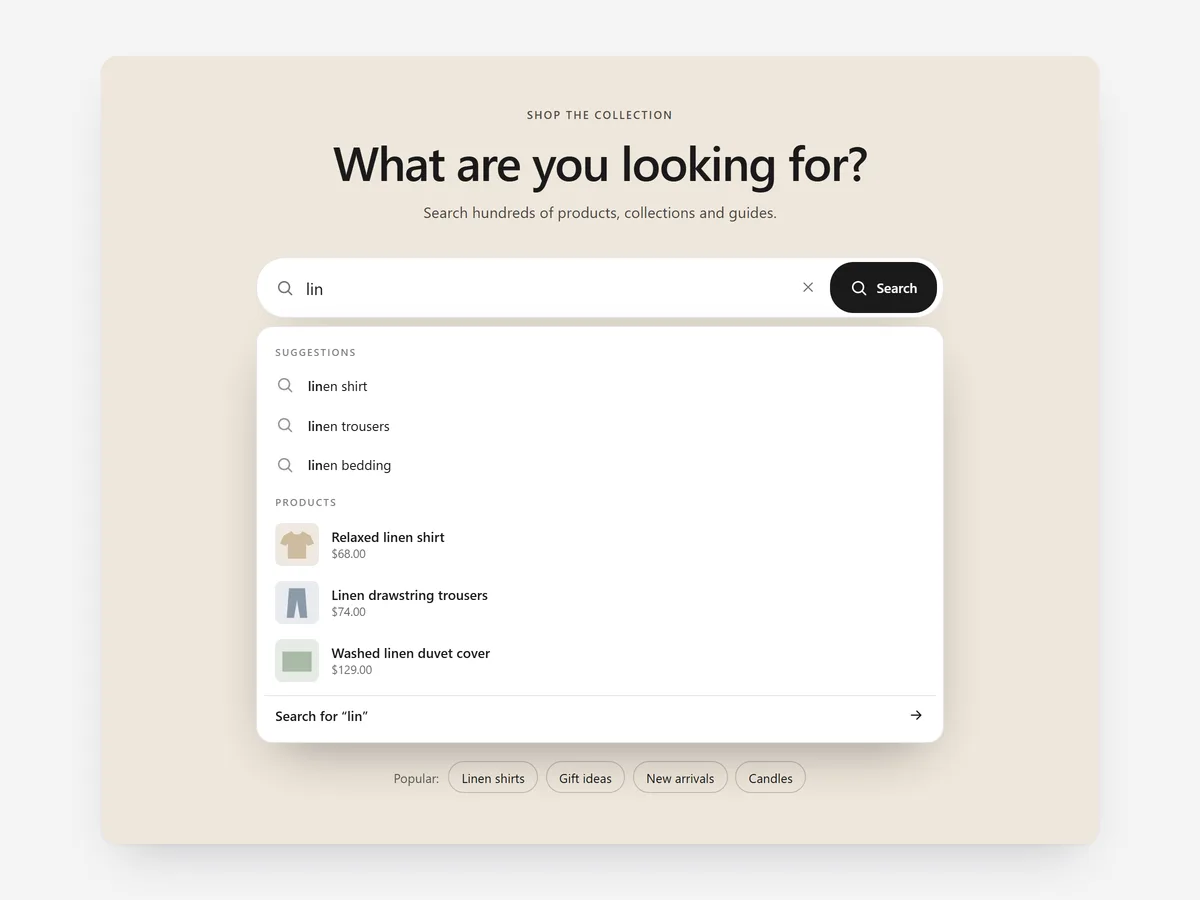
Some shoppers arrive knowing exactly what they want: a spare part, a size, a product name. For them, a banner and a menu are obstacles, and a large search field gets them there in one step.
Why it matters
In most themes, search is a small magnifying glass in the header. Stores with large catalogues, spare parts or many brands lose people who expect a search box and see a lifestyle image instead.
Search Hero makes search the main message of the home page. Pick it over the Mobile Tab Bar's search when search should lead the whole page, and use the Search & 404 Rescue section to catch searches that return nothing.
What the section does
Search Hero is a hero section with a prominent search field and suggestions that update while typing. It is meant for the home page or a dedicated search landing page.
- 01Live suggestions show matching products, collections and search terms while the shopper types.
- 02Full keyboard and screen reader support means every visitor can search and pick a suggestion.
- 03Popular searches appear as quick links, so shoppers can start with one tap.
- 04The search field can sit over an image or video, beside one, or in a minimal layout without media.
Where to place it and what to write
Use it as the first section of the home page when your catalogue is large or technical. On smaller stores, a minimal version works on a help or catalogue landing page.
- 01Write the headline as a question shoppers answer by typing, such as "What are you looking for today?"
- 02Use placeholder text that shows a real example: a model number, a product name or a category.
- 03Pick four to six popular searches from real queries, not what you want to promote.
Set it up in three steps
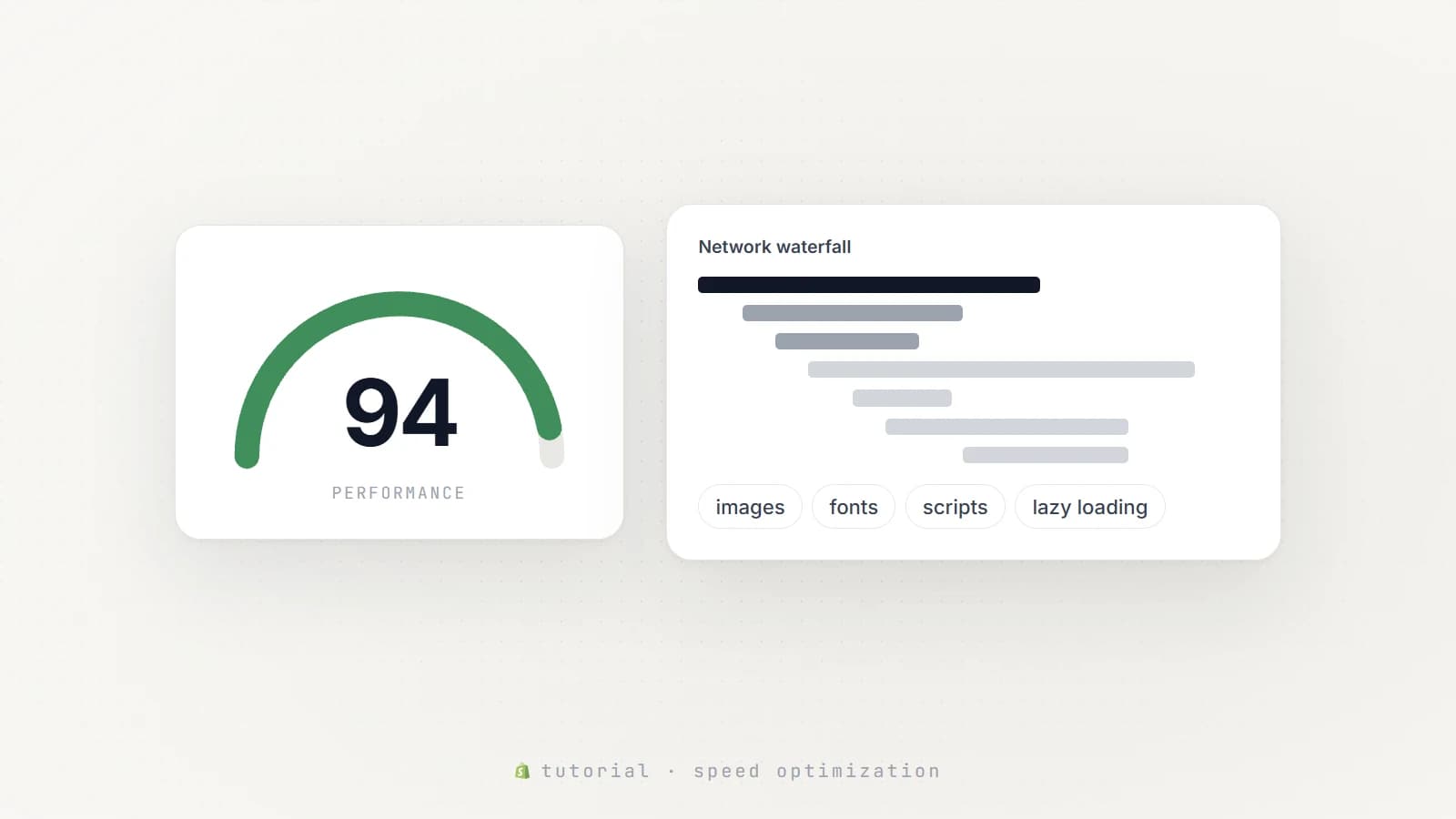
After saving, type a few product names on your phone and check that the keyboard does not cover suggestions. Text uses your theme's font by default. Speed is unaffected, because the block renders plain HTML and CSS.
- 01Open Search Hero in Section Store, write the headline and popular searches, choose a layout and check the live preview on desktop, tablet and mobile.
- 02Click Theme blocks, then Add to theme; the theme editor opens with the block already placed.
- 03Move it to the top of the page and save.
Conclusion
Search Hero gives goal-driven shoppers the shortest route from landing to product. The Search Hero section is a one-time purchase of $12.99 in Section Store, or part of the Enterprise Plan.
Key takeaways
- 01Large or technical catalogues benefit from search as the first thing shoppers see.
- 02Live suggestions for products, collections and terms shorten the way to the right page.
- 03Popular searches based on real queries give undecided visitors a one-tap start.
Explore more