All servicesService

AI that runs in your building.We build the hardware, set it up and keep it running.

Local AI means the models run on hardware you own – a unit on a desk or a GPU rack in your server room – so prompts and documents never leave the company. We size the system for your workload, build and install it, connect it to your data and take care of it afterwards.

  • Prompts and documents stay in-house
  • NVIDIA hardware, sized for your workload
  • Build, installation and care from one team
  • Open models, no lock-in to one provider

Describe your project

Tell us what the AI should do and how many people will use it – or send the configuration from the configurator. You get a written answer within one business day.

We use your details only to answer this inquiry. No newsletter, no sharing. Our privacy policy applies.

On your premises
Where the models run
Desk unit to GPU rack
NVIDIA DGX Spark, RTX PRO GPUs
Build and care
Sizing, installation, updates
Open models
Swappable, no provider lock-in

Configurator

Configure your local AI.From a desk unit to a GPU rack.

Answer five questions and see a reference build. It is a starting point, not a quote: the final sizing follows a workshop with your real workload.

01 · What should it do?
02 · People using it at the same time
03 · Model class

Mid-size open models: assistants, document search, agents.

04 · Where does it stand?
05 · Around the hardware
Service from us
Sizing, build and installation· always included

Reference build

GPU server with 4 × RTX PRO 6000 Blackwell

AI memory
384 GB (4 × 96 GB)
Form factor
19-inch rack
Power budget
1200 W for the graphics cards
Runs
Mid-size open models: assistants, document search, agents.

Starting point, not a quote. No prices here: you get scope and price in writing before anything is ordered.

Is this you?

The useful cases are the ones you cannot send out.

Contracts, customer records, engineering data, internal figures. The data that would benefit most from AI is the data that should not go to an external service. These are the situations local AI is for:

Data that must stay in the company

Confidentiality agreements, professional secrecy, works council, client requirements. A public AI service is not an option, so the project never starts.

Costs that grow with every user

Every seat and every request is billed. With your own hardware the capacity is yours, whether ten or a hundred people use it.

No one to build and run it

Buying a GPU server is the easy part. Choosing models, serving them to a whole team, connecting data and keeping everything updated is the work.

Dependence on one provider

Models change, prices change, terms change. With open models on your own hardware you decide when something is replaced.

What we do

From the sizing to the system that runs every day.

One team for hardware, software and operation. Six parts of the work:

Sizing

We start from the workload: what the AI should do, how many people use it at once, which models that takes. From that follows the hardware – not the other way round.

Hardware and build

NVIDIA DGX Spark for a desk or small team, GPU servers with RTX PRO cards in a 19-inch rack for more. We put the system together, including network, storage and backup power where needed.

Models and runtime

Open models chosen for the task, served so that a whole team can use them at once. Several models side by side: one for chat, one for documents, one for speech.

Your data, connected

Search over internal documents, access to the systems your team works in, and agents with defined tools – so the AI works with your knowledge, not just general knowledge.

Access and security

Who may use which model and which data, sign-in through your existing accounts, a log of use. The system sits in your network, behind your firewall.

Care and monitoring

Updates for system and models, monitoring of load, temperature and failures, and a contact who knows your setup. Or a hand-over to your IT with documentation.

How it works

From the first call to AI in daily use.

Five steps. Each ends with something you can check before the next one starts.

  1. Step 01

    Workload workshop

    We go through the use cases with the people who will use the system and with your IT. You get a written sizing: hardware, models, place, power and network.

  2. Step 02

    Quote

    Scope and price in writing, hardware and service listed, before anything is ordered.

  3. Step 03

    Build and test

    We assemble the system, install the runtime and the models and test them on cases from your daily work.

  4. Step 04

    Installation on site

    The system goes into your office or server room, into your network and behind your sign-in. Your team gets an introduction.

  5. Step 05

    Care

    Updates, monitoring and new models as they appear – or a documented hand-over to your IT.

Background

AI we build and run ourselves.

Local AI is the newest part of our work. What stands behind it: AI software we develop and operate ourselves, every day.
All case studies
Index AI – Case study

Shopify App

Index AI

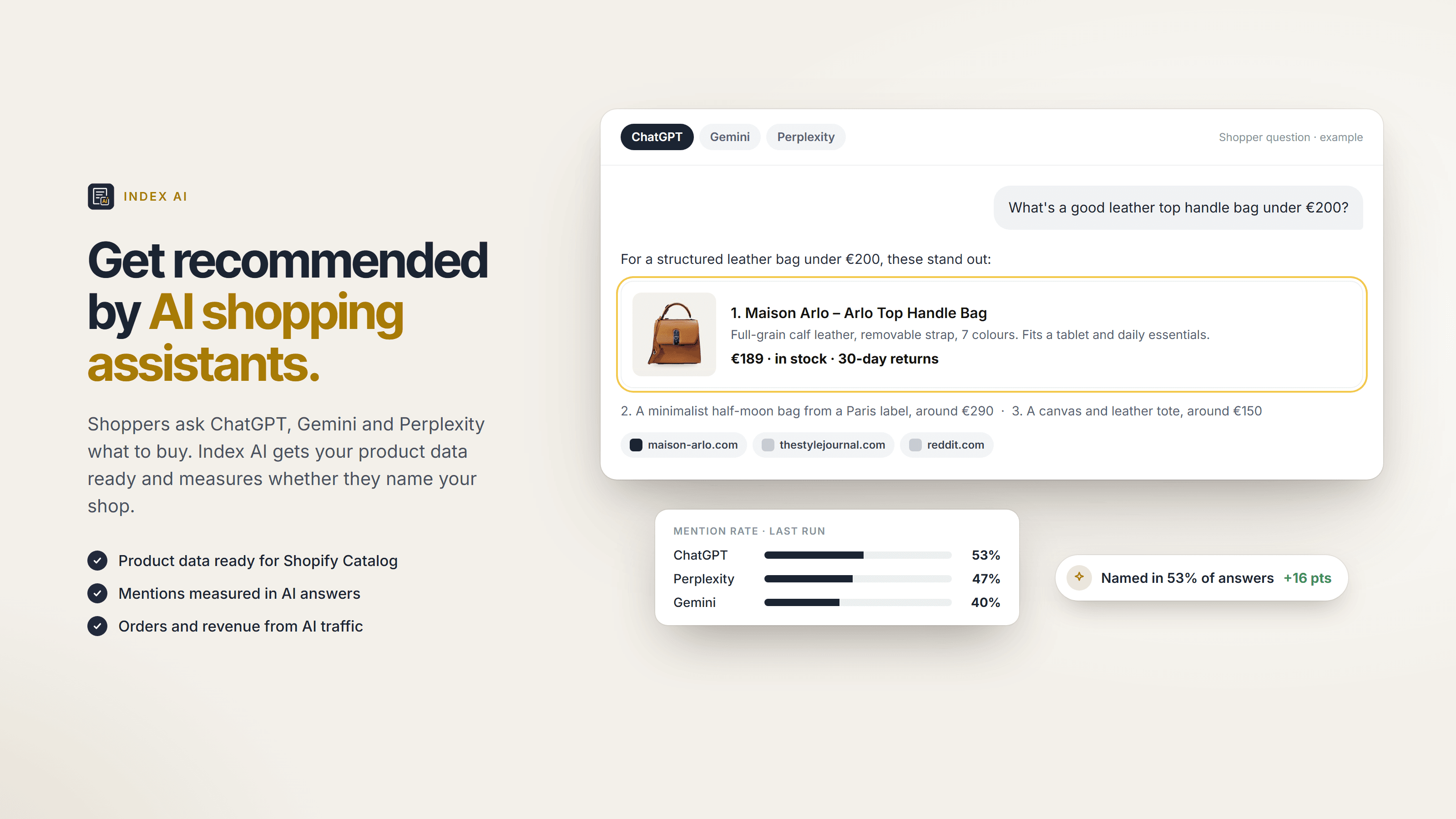
Index AI: our Shopify app for AI shopping. It gets product data ready for AI assistants and measures whether they name the shop.
Type
Shopify App
Assistants
3 measured
Starter
Free
Case study
Section Store – Case study

Shopify App

Section Store

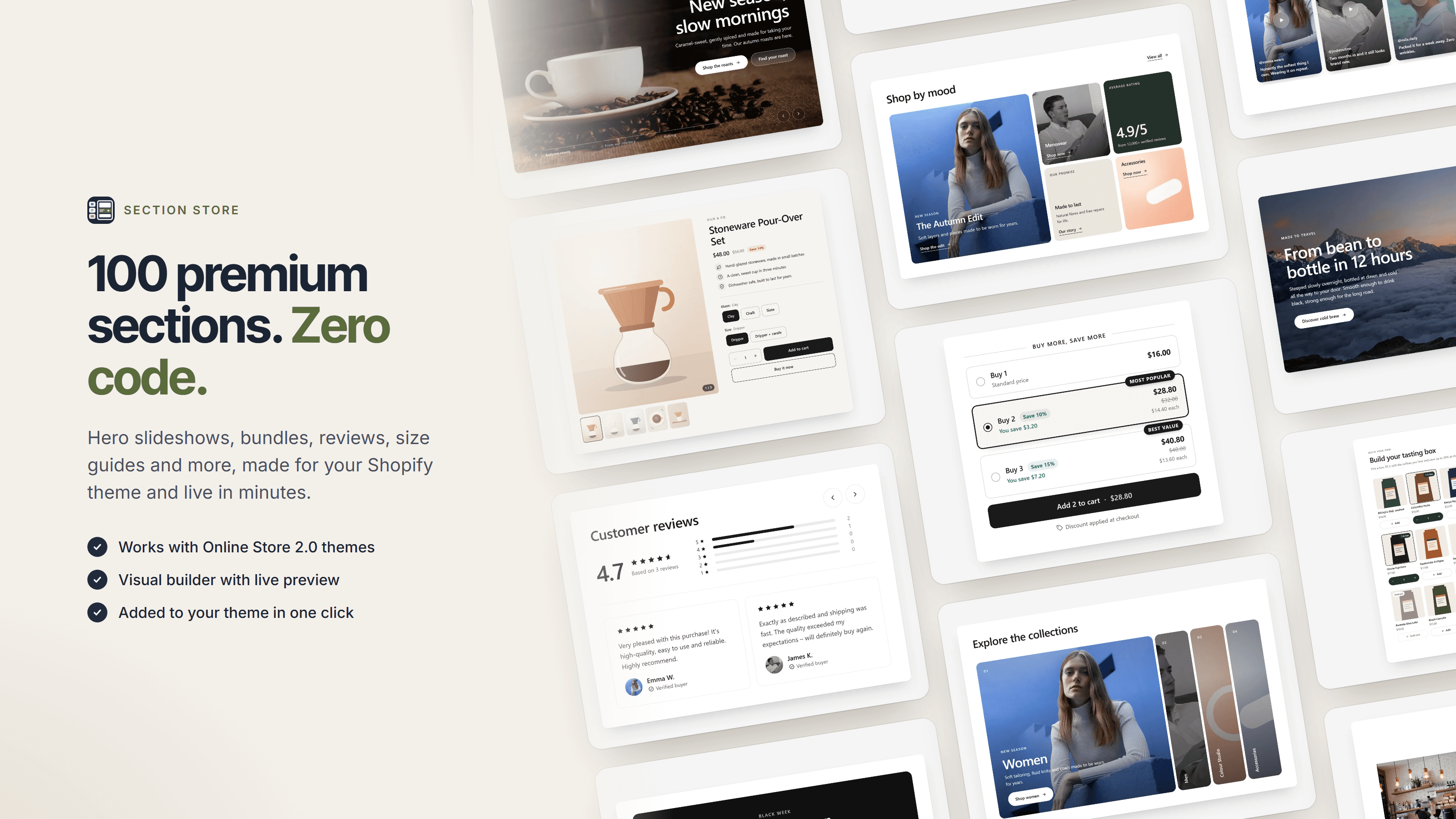
Section Store: our Shopify app for theme sections. Its AI connector lets AI assistants work with the app through defined tools.

Type
Shopify App
Install
One click
Free
14 sections
Case study

Working together

Size it right. Then build it once.

Hardware that is too small disappoints, hardware that is too large stands idle. So the first step is always the workload. Scope and price are agreed in writing before anything is ordered.

Getting started

Workload workshop

Use cases, users and data, turned into a written sizing.

  • Hardware, models and place on paper
  • Power, cooling and network checked
  • Honest answer if cloud fits better

The system

Build and installation

The system assembled, tested and installed in your network.

  • DGX Spark or GPU servers in a rack
  • Models and runtime for a whole team
  • Connected to your data and sign-in

Afterwards

Care

We keep the system current and watch over it.

  • Updates for system and models
  • Monitoring with alerts
  • Or a documented hand-over to your IT

What we commit to

  • Scope and price agreed in writing before anything is ordered
  • Sizing from your workload, not from a catalogue
  • Open models that can be replaced later
  • A written record of which data the system can reach
  • Documentation your IT can work with
  • A straight answer when a cloud model does the job better

FAQ

Questions companies ask before they bring AI in-house.

What does local AI mean?
The AI model runs on hardware in your company instead of at an external service. Prompts, documents and results stay in your network. Your team uses it in the browser, much like a public AI assistant.
Which hardware do you use?
NVIDIA. For a desk or a small team the DGX Spark, a compact unit with 128 GB of memory shared between processor and graphics chip; two of them can be linked. For more users or larger models, GPU servers in a 19-inch rack with RTX PRO 6000 Blackwell cards, each with 96 GB of memory. Which one fits follows from your workload.
Are local models as good as the large cloud models?
Not in every case. Open models have become very capable for assistants, document search, extraction and many agent tasks, but the largest cloud models are still ahead on the hardest problems. We test your cases before you buy, and say so if a cloud model is the better choice.
Do we need a server room?
Not for the small setups. A DGX Spark stands on a desk and runs from a normal socket. GPU servers belong in a rack with suitable power and cooling; we check both in the workshop.
What does it cost?
It depends on the hardware and on how much of the operation we take over. After the workshop you get a written quote with hardware and service listed, before anything is ordered. The configurator on this page shows a reference build, not a price.
Who looks after the system afterwards?
We do, if you want: updates, monitoring and new models. Or your IT takes over with our documentation. Both are possible, and you can change later.
Can the AI work with our documents and systems?
Yes. Search over internal documents and access to your systems through defined tools are part of the setup. Which data the system can reach is decided with you and written down.
Is this GDPR-compliant?
Running the models in-house removes the transfer to an external AI service, which is the main concern in many projects. What still has to be settled – purposes, access, retention – we go through with you and your data protection officer.

Which data would you never send to a cloud AI?

That is usually where local AI starts. Tell us about it and we come back with a slot for a first call and a first view on the right size – no obligation.