Order and stock sync ERP ↔ Shopify
Orders flow from Shopify and marketplaces into plentymarkets or your warehouse system; stock, prices and shipping status flow back. One unified order table across all your shops, with history.
We build and run the automation between your warehouse management, Shopify and marketing stack: order and stock sync, catalogue updates, loyalty logic, Klaviyo events, reports and monitoring. Not a no-code chain that breaks on the first edge case, but code you own – on the operations platform we use every day to run Klean Kanteen Germany and MADSea.
Is this you?
Merchants who call us are not short of tools. They are short of connections between them – and somebody on the team is bridging the gap by hand every single day.
The warehouse says 12, Shopify says 3, the marketplace sold the last unit twice. Every oversell costs a refund, a support ticket and a customer.
Someone exports orders from Shopify and imports them into the warehouse system – or re-types them. It works until the day that person is on holiday.
Back in stock, loyalty points, first purchase, return – events that should trigger an email trigger a to-do instead.
The sync stopped on Friday night. You found out on Monday, from an angry customer. Automation without monitoring is just a faster way to make mistakes.
What we build
We build the integration layer between warehouse management, Shopify and marketing – as code on our operations platform, extended for your setup. Six areas we automate most often:
Orders flow from Shopify and marketplaces into plentymarkets or your warehouse system; stock, prices and shipping status flow back. One unified order table across all your shops, with history.
Hourly catalogue sync including sales figures per SKU, plus product-setup workflows: checklists whose steps tick themselves off from plenty or Shopify data.
Loyalty points and tier changes, back-in-stock, review requests, daily list hygiene – pushed to Klaviyo as events and profile properties, so your flows fire on real shop data.
Points, tiers and rewards computed from orders and returns, a member area inside the Shopify theme, events to Klaviyo – the way we run the MADSea Crew programme.
One profile per customer across all shops: orders, returns, loyalty status, consent. Scheduled reports and dashboards instead of Monday-morning Excel.
Scheduled reconciliations, alerts on failed jobs, thresholds for stock, sync lag and error rates. You hear it from us – not from a customer.
How it works
Every automation starts with a written picture of what happens today – who touches which data, where and how often. Then we build in short, visible increments.
We map your order, stock, catalogue and marketing processes end to end, count the manual steps and list every system and API involved. You get a written plan with priorities and a fixed quote.
Data model, direction of each sync, conflict rules (who wins when stock differs), error handling and alerting – agreed before the first line of code.
Integrations are built in a staging setup against your real systems, with test orders and reconciliations against the counts in your source system. Weekly demo.
Each automation first runs in parallel to the manual process, with reconciliation reports. Once the numbers match for a few days, the manual step is retired.
Monitoring with alerts, scheduled reconciliations, documentation and a monthly look at what to automate next. Or a full hand-over to your team.
Proof
Two brands whose daily business runs on our platform – not a demo setup, but production.
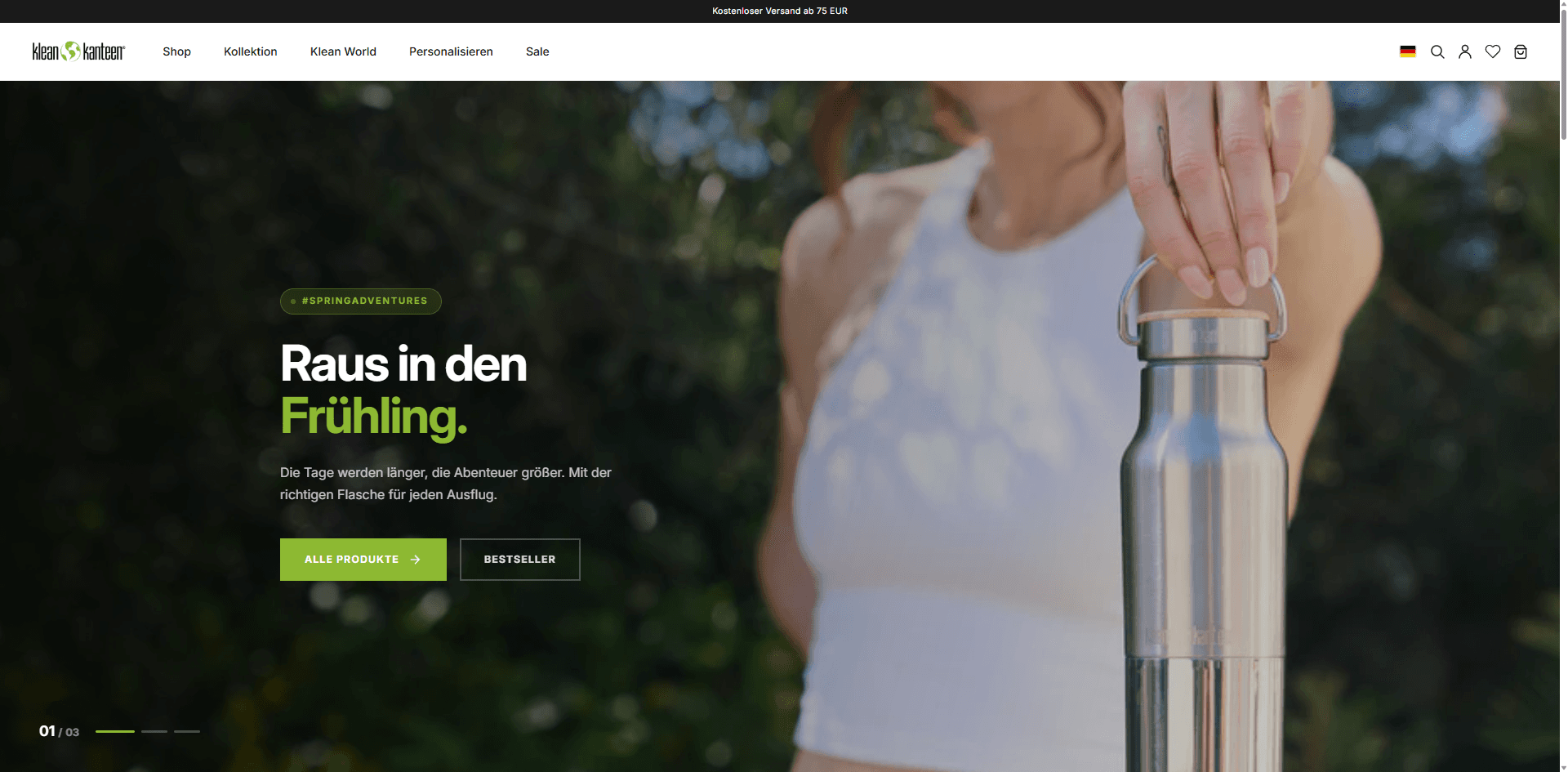
Klean Kanteen Germany, operated since 2017: Shopify store connected to warehouse management and the fulfilment partner, Klaviyo programme and international shipping – daily operations, catalogue and campaigns in our hands for over eight years.
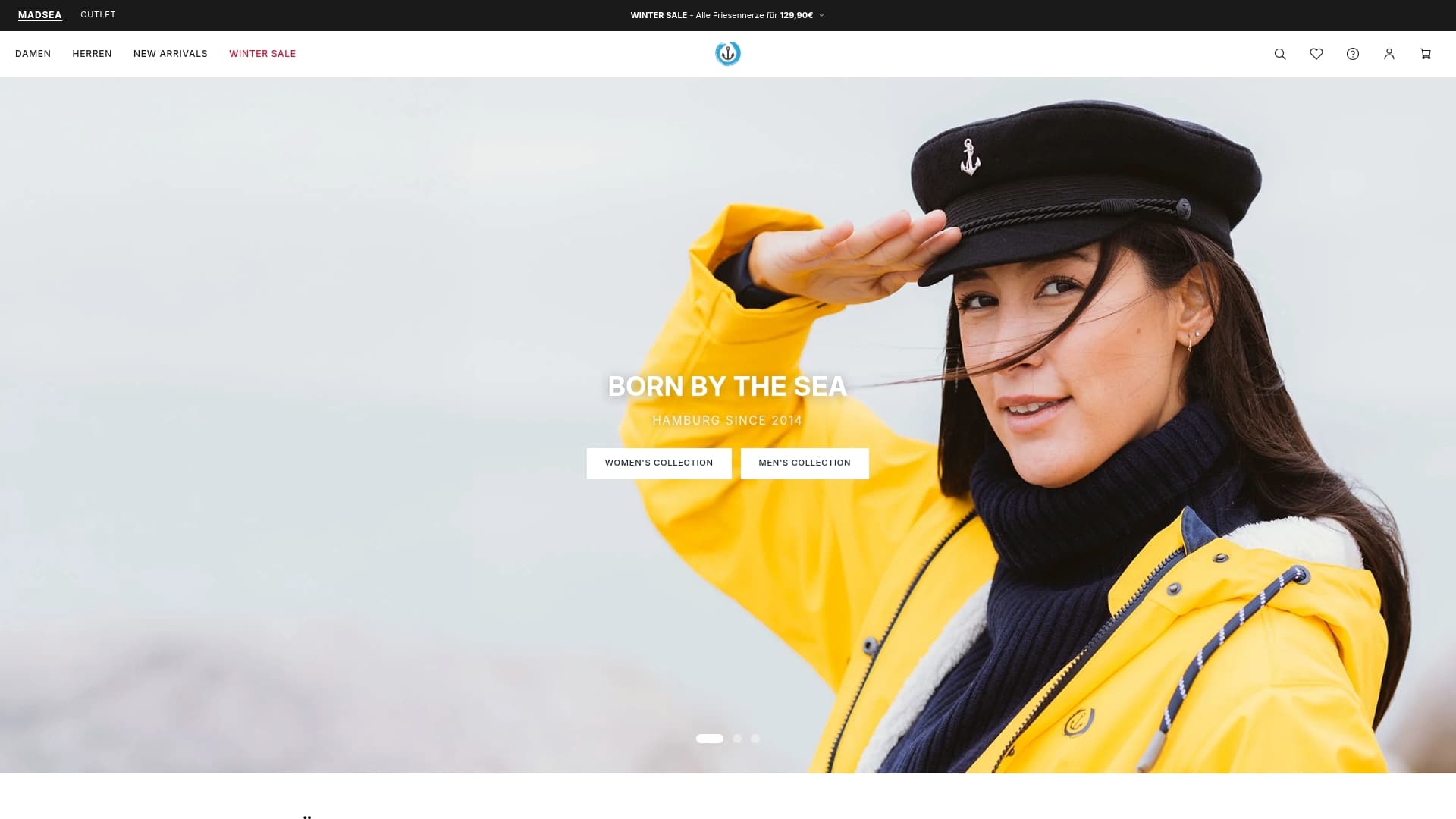
MADSea: a Shopify store we run operationally – loyalty programme with points and tiers, member area in the theme, Klaviyo automations fed by shop events, catalogue and order sync into our operations platform.
Pricing and working together
Automation only pays off if it keeps running. That is why we quote the build at a fixed price and offer the operation as a retainer – with code and all accounts belonging to you from day one.
A one-week audit of your processes, then the implementation of the agreed workflows at a fixed price.
ERP or warehouse system ↔ Shopify ↔ marketing stack as one integration: orders, stock, catalogue, customers, events – including conflict rules and monitoring.
We run the automations: monitoring, alerts, adjustments when an API changes, a monthly look at the next step – the way we have worked with Klean Kanteen Germany since 2017.
FAQ
Tell us. We come back with an audit call slot and a first take on what we would automate first – no obligation.