
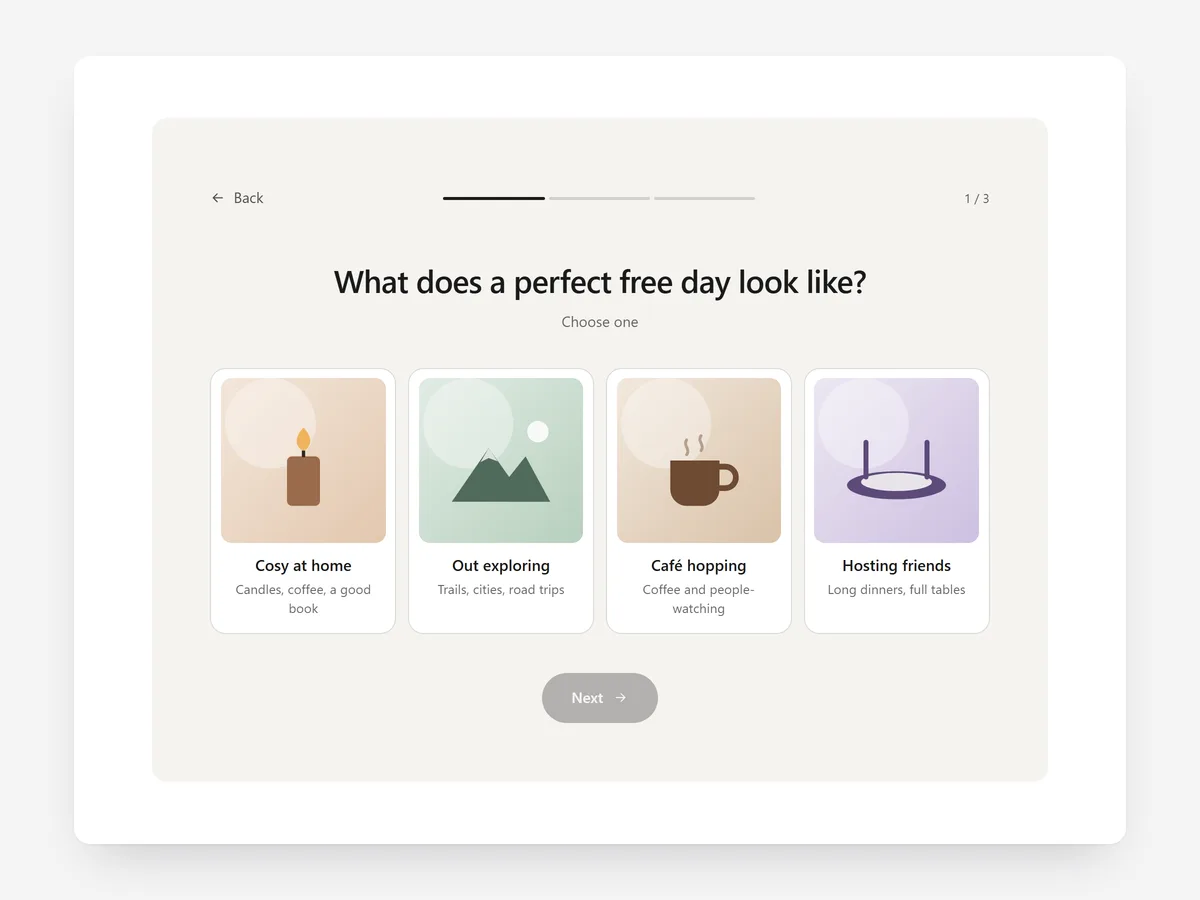
Stores with many similar products lose shoppers who cannot tell them apart. Faced with eight serums or six running shoes, a visitor without expert knowledge often postpones the decision, which usually means not buying.
Why it matters
Filters assume shoppers know what they need: skin type, foot shape, roast level. Many do not, and they would happily answer a few plain questions if someone asked them, the way a good shop assistant would.
A quiz turns your product knowledge into those questions. It works when the questions are about the shopper's situation, not about product specs, and when the result leads straight to buyable products instead of another list.
What the section does
Product Finder Quiz asks a short series of questions and recommends matching products. It fits the home page, collection pages for complex ranges, and a dedicated finder content page.
- 01Up to six questions with text or picture answers keep the quiz short and visual where pictures explain better than words.
- 02Simple scoring lets each answer point to results, so you set it up without formulas.
- 03Results appear as live product cards with add to cart, so shoppers can buy straight from the recommendation.
- 04The quiz runs inline, beside an image or as a popup, depending on how prominent you want it.
Where to place it and what to write
On the home page, add it below the hero with a clear invitation. On large collection pages, place it above the grid or as a popup for undecided shoppers. A dedicated page works well as a target for ads.
- 01Promise the outcome in the headline: "Find your coffee in 4 questions".
- 02Ask about habits and needs ("How do you brew?"), not jargon.
- 03Map each result to two or three products so shoppers still have a choice.
Set it up in three steps
After saving, take the quiz several times in the mobile preview with different answers and check each path ends in sensible products. Confirm the theme font is used. Speed is unaffected because the block renders plain HTML and CSS.
- 01Open Product Finder Quiz in Section Store, write the questions and answers, point answers to products and pick a display mode in the visual builder.
- 02Click Theme blocks → Add to theme; the theme editor opens with the block already placed.
- 03Position it and save.
Conclusion
A short quiz replaces guesswork with a clear recommendation. The Product Finder Quiz section is a one-time purchase of $24.99 in Section Store, or part of the Enterprise Plan.
Key takeaways
- 01Ask about the shopper's situation, not product specs.
- 02Answers point to results, which show as live cards with add to cart.
- 03Run it inline, beside an image or as a popup.
Explore more




