
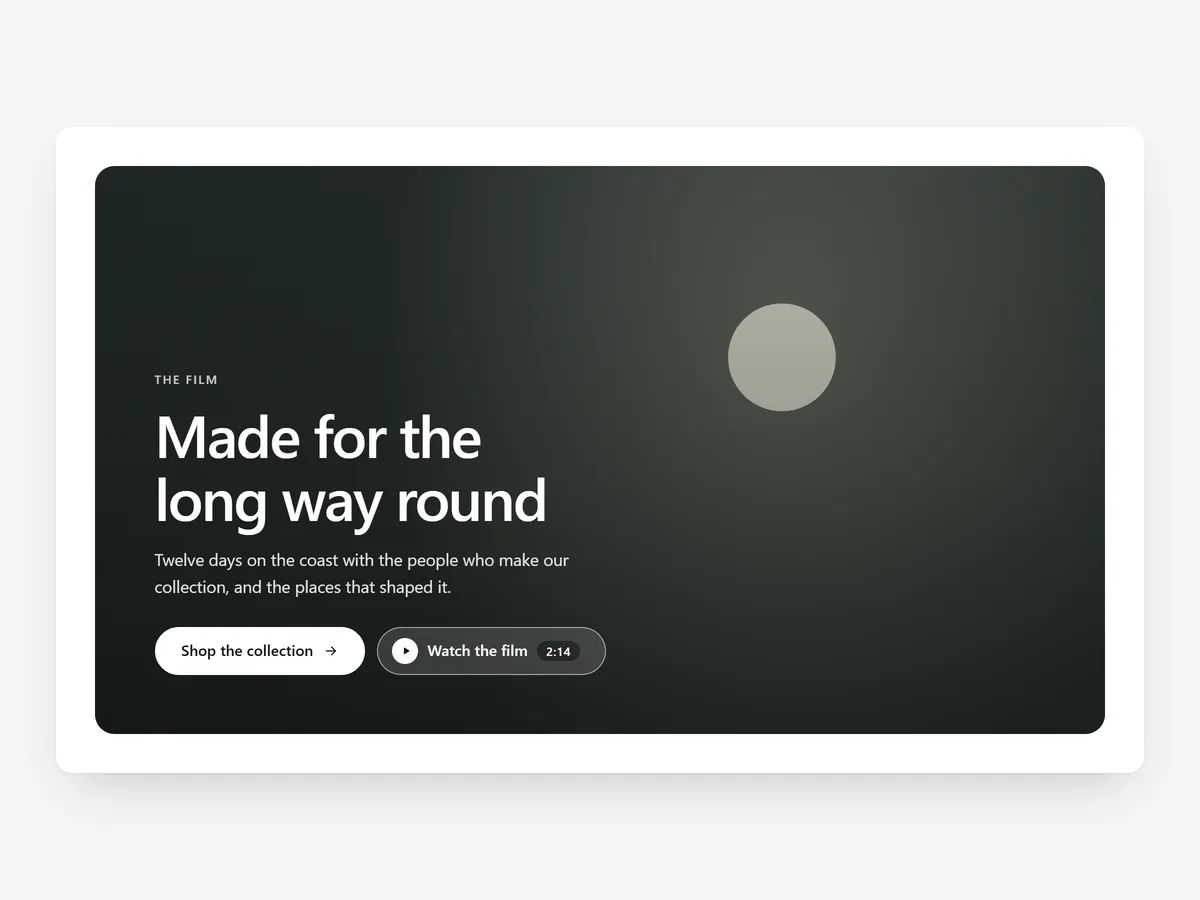
Video answers questions photos cannot: how a fabric moves, how loud a machine is, how big something is in a hand. But a heavy embed at the top of a page can slow everything down, and an autoplaying clip with sound sends people away. The format and the loading decide whether video helps.
Why it matters
A pasted YouTube embed loads its scripts before anyone presses play, looks like YouTube rather than your brand and often sits awkwardly on phones.
Different videos need different treatment. A mood clip works as a silent background behind a headline. A demo needs a proper player with captions. A how-it-works video is easier to follow split into chapters.
What the section does
Video Showcase plays video from Shopify Files, YouTube or Vimeo and fits the home page, product pages and content pages.
- 01Pick an ambient loop behind text, a framed player, a video-and-text split or chapters, depending on what the clip has to do.
- 02YouTube and Vimeo only load when the shopper clicks, so the page does not carry their weight upfront.
- 03A lightbox, captions and a separate mobile cut make the video watchable on any screen.
- 04A pause button and reduced-motion support respect shoppers who do not want moving backgrounds.
Where to place it and what to write
On the home page, use the ambient loop behind a short headline. On a product page, use the player or split layout below the gallery for a demo. Use chapters for setup or care videos. For a full slideshow hero, Hero Slideshow is the better fit.
- 01Keep ambient loops short, silent and readable as a background; text on top must stay legible.
- 02Give the player a headline that says what the video shows, such as "Assembly in two minutes".
- 03Turn on captions, since many shoppers watch with the sound off.
- 04Upload a vertical mobile cut instead of letting a wide video shrink.
Set it up in three steps
After saving, play the video in the mobile preview, check the mobile cut and captions, and make sure the text uses your theme font. The block itself renders plain HTML and CSS, and external players wait for a click.
- 01Open Video Showcase in Section Store, choose a layout and add your video source in the visual builder.
- 02Click Theme blocks, then Add to theme, and the theme editor opens with the block already placed.
- 03Position it and save.
Conclusion
Video Showcase lets you choose the right format for each clip without paying for it in load time. The Video Showcase section is a one-time purchase of $14.99 in Section Store, or part of the Enterprise Plan.
Key takeaways
- 01Match the format to the job: ambient loop, player, split or chapters.
- 02YouTube and Vimeo load only on click, keeping the page light.
- 03Captions and a mobile cut matter because many shoppers watch muted on phones.
Explore more




