
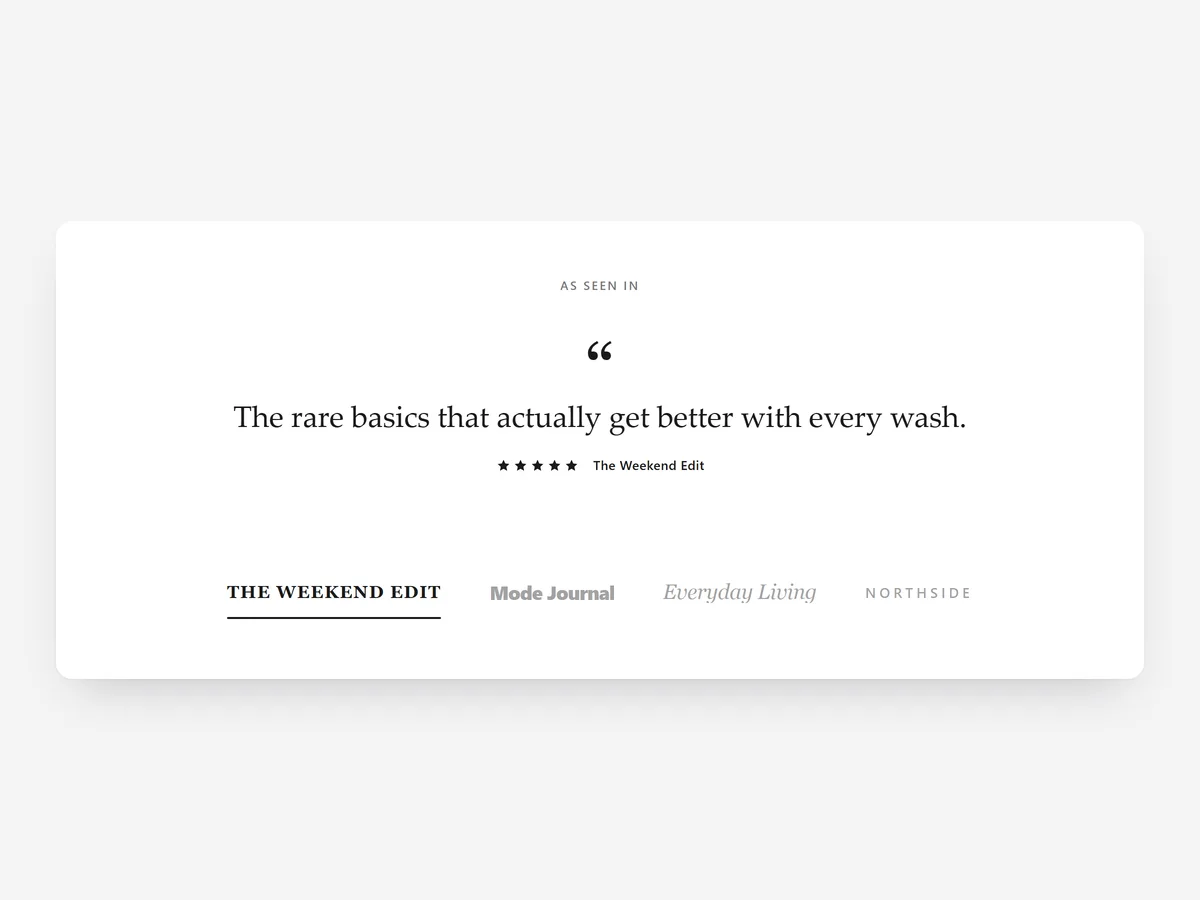
A row of magazine logos says that someone wrote about you. A logo next to the sentence they wrote says why. Shoppers who have never heard of a brand take an independent editor's opinion more seriously than the brand's own copy.
Why it matters
Press coverage is hard to earn and easy to waste. Most stores put a grey logo strip on the home page with no context, so shoppers cannot tell whether the brand was praised or merely listed.
Press Quotes pairs each logo with the quote. That is the difference to the Logo Slider section, which shows logos alone and suits retailers, partners or certifications. Pick Press Quotes when you have actual sentences worth repeating.
What the section does
The section shows publications and their quotes in a compact, credible format. It fits the home page, product pages for featured products and the about page.
- 01Display coverage as logo tabs that switch the quote, as cards, or as one large quote for a single strong mention.
- 02Quotes rotate on their own, with a pause control for visitors who want to read at their pace.
- 03If you have no logo files, the publication name appears as a wordmark, so the section still looks finished.
- 04Add star ratings where a review gave one, and link each quote to the original article.
Where to place it and what to write
On the home page, place it just below the hero, where new visitors decide whether the brand is credible. On a product page, use one large quote about that exact product near the description.
- 01Quote the sentence that names a benefit, not the one that only names the brand.
- 02Shorten quotes honestly; never change the meaning.
- 03Three to five publications are enough; a long list dilutes the strongest names.
- 04Always link to the article if it is online, so shoppers can check it.
Set it up in three steps
After saving, check on your phone that logo tabs remain tappable and long quotes do not overflow the card. Quotes use your theme's font by default. Speed is unaffected, because the block renders plain HTML and CSS.
- 01Open Press Quotes in Section Store, add publications, quotes and links, choose a layout, then check the preview on desktop, tablet and mobile.
- 02Click Theme blocks, then Add to theme; the theme editor opens with the block already placed.
- 03Move the block into position and save.
Conclusion
Press Quotes turns hard-won coverage into proof that keeps working on your pages. The Press Quotes section is a one-time purchase of $9.99 in Section Store, or part of the Enterprise Plan.
Key takeaways
- 01A quote next to the logo tells shoppers what the press actually said.
- 02Use Press Quotes for real sentences and the Logo Slider for logos without quotes.
- 03Link every quote to its source so shoppers can verify it.
Explore more




