
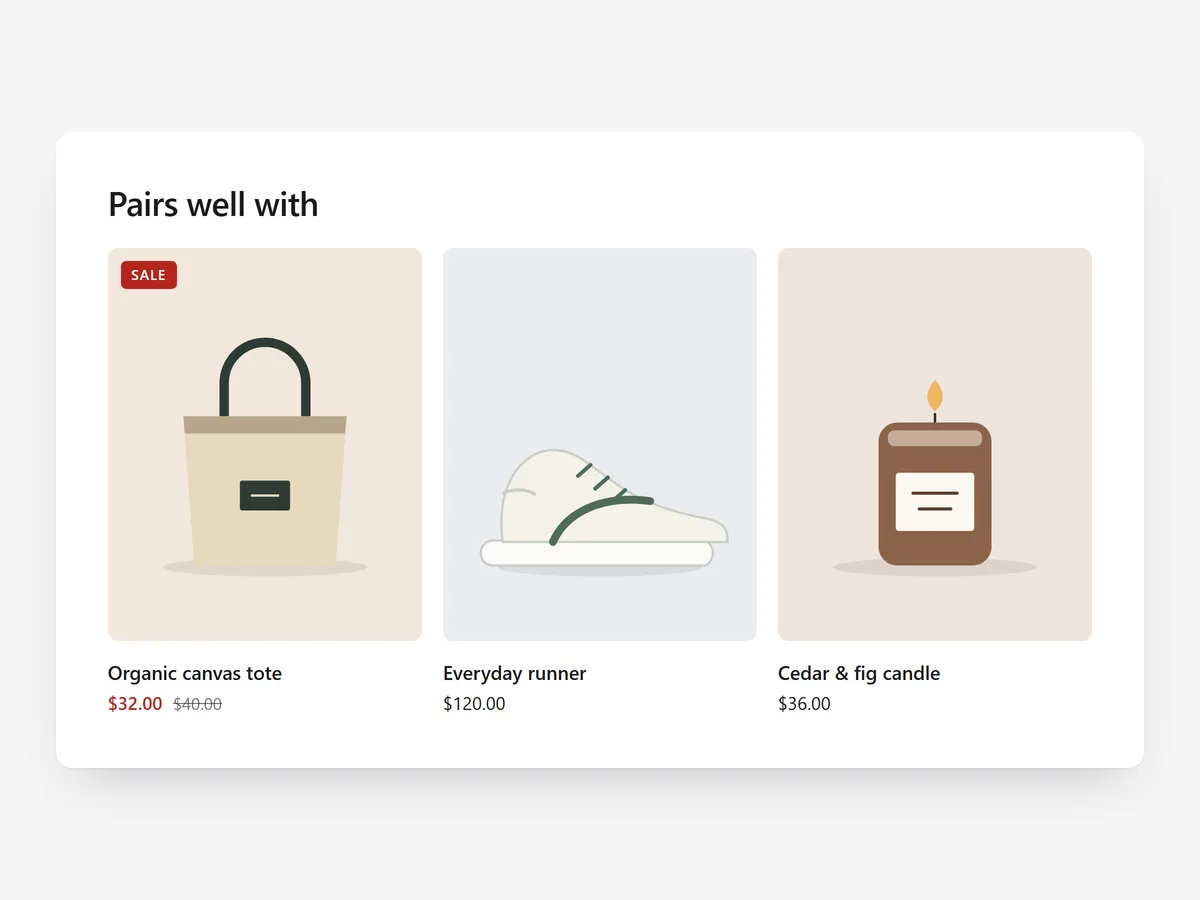
A shopper who has decided on a product is often open to one more suggestion, if it genuinely fits. A good pairing feels like advice from a shop assistant; a random carousel feels like noise.
Why it matters
Manual recommendations are hard to keep up across a large catalogue, and many themes show the same few products everywhere. Sold-out items or products already in the cart make the block look neglected.
Complementary Products uses Shopify's own recommendations and filters out what makes no sense to show. Pick it over the Bundle section when you want flexible suggestions across many products without building a fixed set for each one.
What the section does
The section shows products that pair with the one being viewed, each with quick add. It is made for product pages, below the buy box or description.
- 01It uses Shopify's complementary or related product picks, so suggestions follow your catalogue without manual upkeep.
- 02When Shopify has no picks for a product, it falls back to products you have chosen by hand.
- 03Cards, a compact list or a carousel let you match the space available on the page.
- 04Sold-out items and products already in the cart are skipped, so every suggestion can actually be bought.
Where to place it and what to write
Place it below the description so it appears once the shopper has read about the main product. Use the compact list near the buy box and cards or a carousel further down.
- 01Write a headline that explains the link, such as "Pairs well with" or "Finish the look".
- 02Show three or four products; a long carousel dilutes the suggestion.
- 03Set complementary products in Shopify for your bestsellers so the strongest pages get deliberate picks.
Set it up in three steps
After saving, open a few product pages in the mobile preview, including one without Shopify picks, to check the fallback. Test quick add once and confirm the theme font is used. Speed is unaffected because the block renders plain HTML and CSS.
- 01Open Complementary Products in Section Store, choose complementary or related picks, set fallback products and pick a layout in the visual builder.
- 02Click Theme blocks → Add to theme; the theme editor opens with the block already placed.
- 03Position it and save.
Conclusion
Relevant pairings help shoppers finish their order without hunting. The Complementary Products section is a one-time purchase of $14.99 in Section Store, or part of the Enterprise Plan.
Key takeaways
- 01Shopify's picks keep suggestions current across the whole catalogue.
- 02Hand-picked fallbacks prevent empty blocks.
- 03Sold-out items and cart items are skipped automatically.




