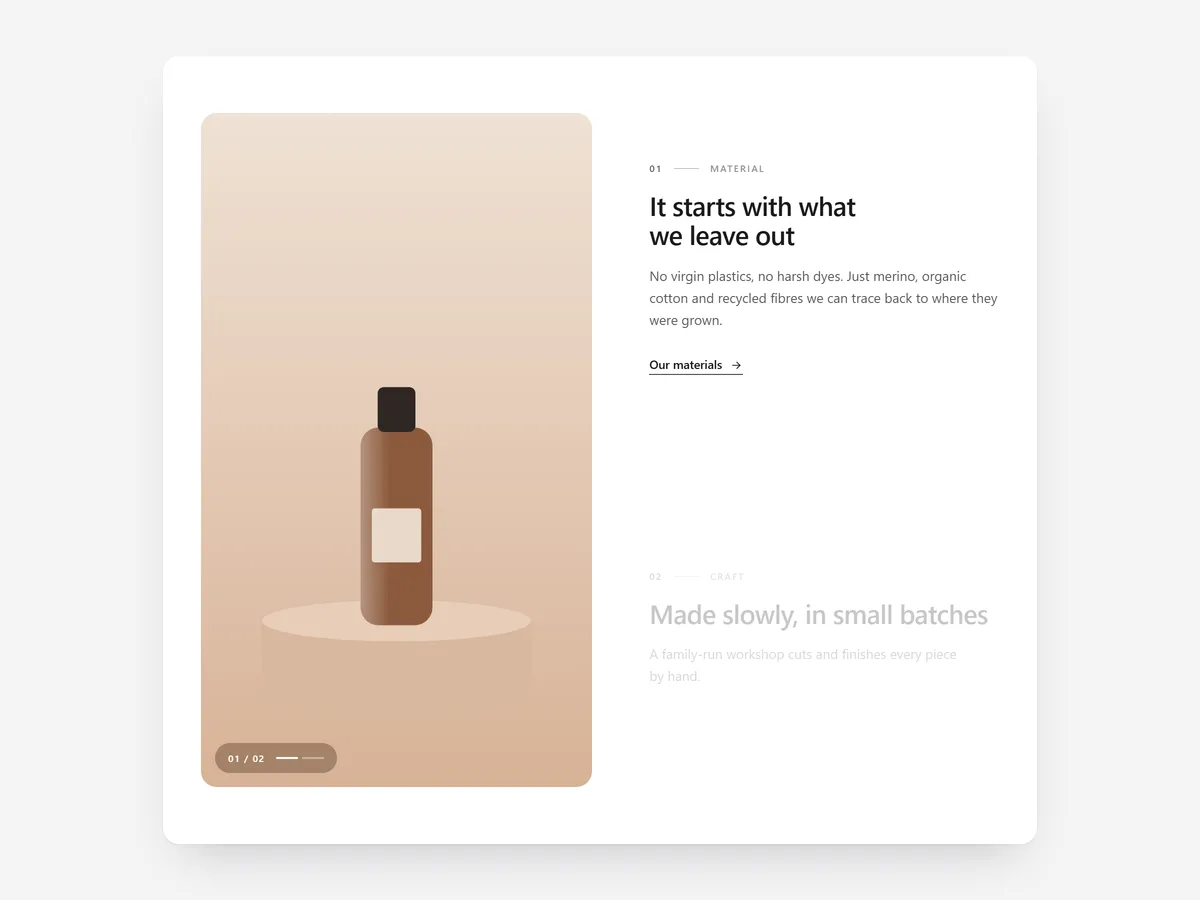
Some products need an explanation in a certain order: how it is made, why the design looks this way, what happens step by step. A long block of text loses people halfway. Breaking the story into chapters that change as the shopper scrolls keeps them moving through it at their own pace.
Why it matters
A brand or product story usually ends up as an "About" paragraph few people finish, or as four separate image-and-text rows that feel disconnected. Neither tells the shopper that one point leads to the next.
Scroll Story ties the pieces together. The visual stays in place while the text moves, or cards stack on top of each other, so the shopper understands they are following a sequence. It suits craft, materials and process stories.
What the section does
Scroll Story fits product pages for considered purchases, the home page and brand or about pages.
- 01Choose between sticky media that changes per chapter, stacking cards, or a statement that lights up word by word.
- 02Chapters change with a fade, wipe or zoom, so you can match the transition to the tone of the story.
- 03It never hijacks scrolling, and on phones the chapters stack so the story reads like a normal page.
- 04Each chapter can use an image or a muted video clip.
Where to place it and what to write
On a product page, put it below the buy box, after shoppers have seen the price and want reasons. On an about page, it can carry the whole story. Use the statement mode for one strong sentence, sticky media for a process.
- 01Use three to five chapters; each should make one point.
- 02Start each chapter with a short heading that works on its own, such as "Cut from one piece of leather".
- 03Keep body text to two or three sentences per chapter.
- 04Make the last chapter point to the next action, such as the product or a collection.
Set it up in three steps
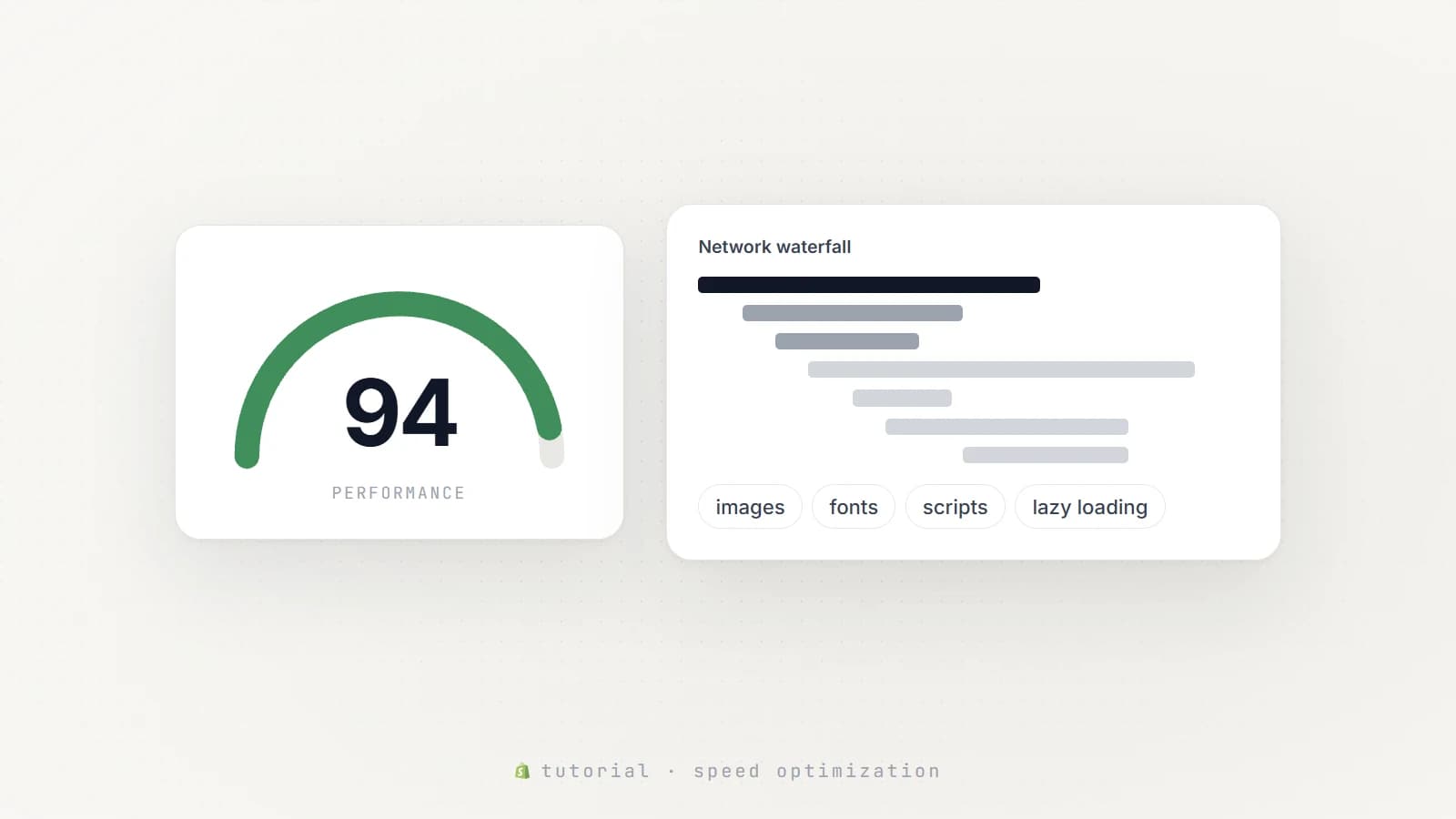
After saving, scroll through the mobile preview to confirm the stacked chapters read in order, and check the text uses your theme font. Speed is unaffected because the block renders plain HTML and CSS.
- 01Open Scroll Story in Section Store, pick a mode and fill the chapters in the visual builder.
- 02Click Theme blocks, then Add to theme, and the theme editor opens with the block already placed.
- 03Place it on the page and save.
Conclusion
Scroll Story is for brands whose reasons to buy come in a sequence. The Scroll Story section is a one-time purchase of $24.99 in Section Store, or part of the Enterprise Plan.
Key takeaways
- 01Chapters that change on scroll keep shoppers following a story in the right order.
- 02Three to five short chapters with one point each work better than a long sequence.
- 03Scrolling is never hijacked, and phones get a clean stacked version.
Explore more