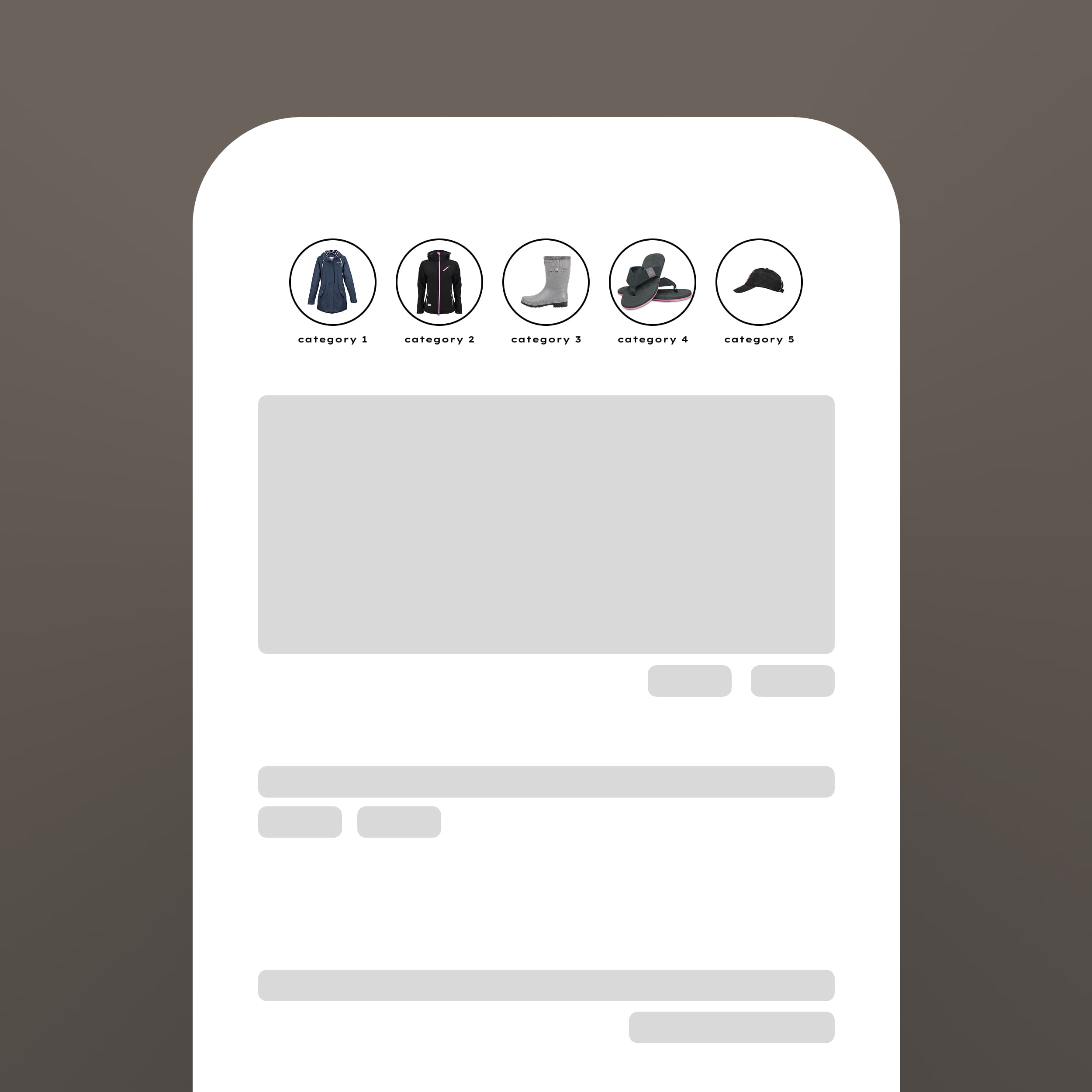
Text-only navigation tells customers where they can go. Visual navigation shows them what they'll find. Circle menus combine both—creating an engaging entry point to your product categories.
The Power of Visual Browsing
Humans process images 60,000 times faster than text. A visual menu helps customers understand your product range instantly and find what interests them without reading.
This is especially powerful for stores with distinct categories—fashion collections, home room types, product lines, or brand collaborations. Each circle becomes a preview of what's inside.
Visual menus also reduce bounce rates by giving visitors an immediate sense of what you offer.
Section Features
The Circle Menu section provides beautiful visual navigation.
• Circle or square shapes - Match your brand aesthetic
• Customizable borders - Adjust thickness and color
• Hover animations - Subtle effects that invite clicks
• Flexible grid layouts - 3, 4, 5, or 6 items per row
• Label customization - Style text to complement images
The section works perfectly for category navigation, collection highlights, or brand showcases.
Image Selection
The images you choose determine the section's effectiveness:
Representative: Show what customers will find in each category
Consistent: Use matching styles, lighting, and framing
Clear: Avoid busy images—simple works better at small sizes
Current: Keep images updated with current inventory
Test different images to see which drive the most category clicks.
Fazit
Visual navigation transforms browsing from a task into an experience. The Circle Menu section makes category discovery engaging and intuitive.